BY TWOSPARK · DAVINCI RESOLVE
Film character, without the compromise.
Explore a curated collection of film-inspired looks. One DCTL. Multiple expressions. Total creative control.
See the difference.
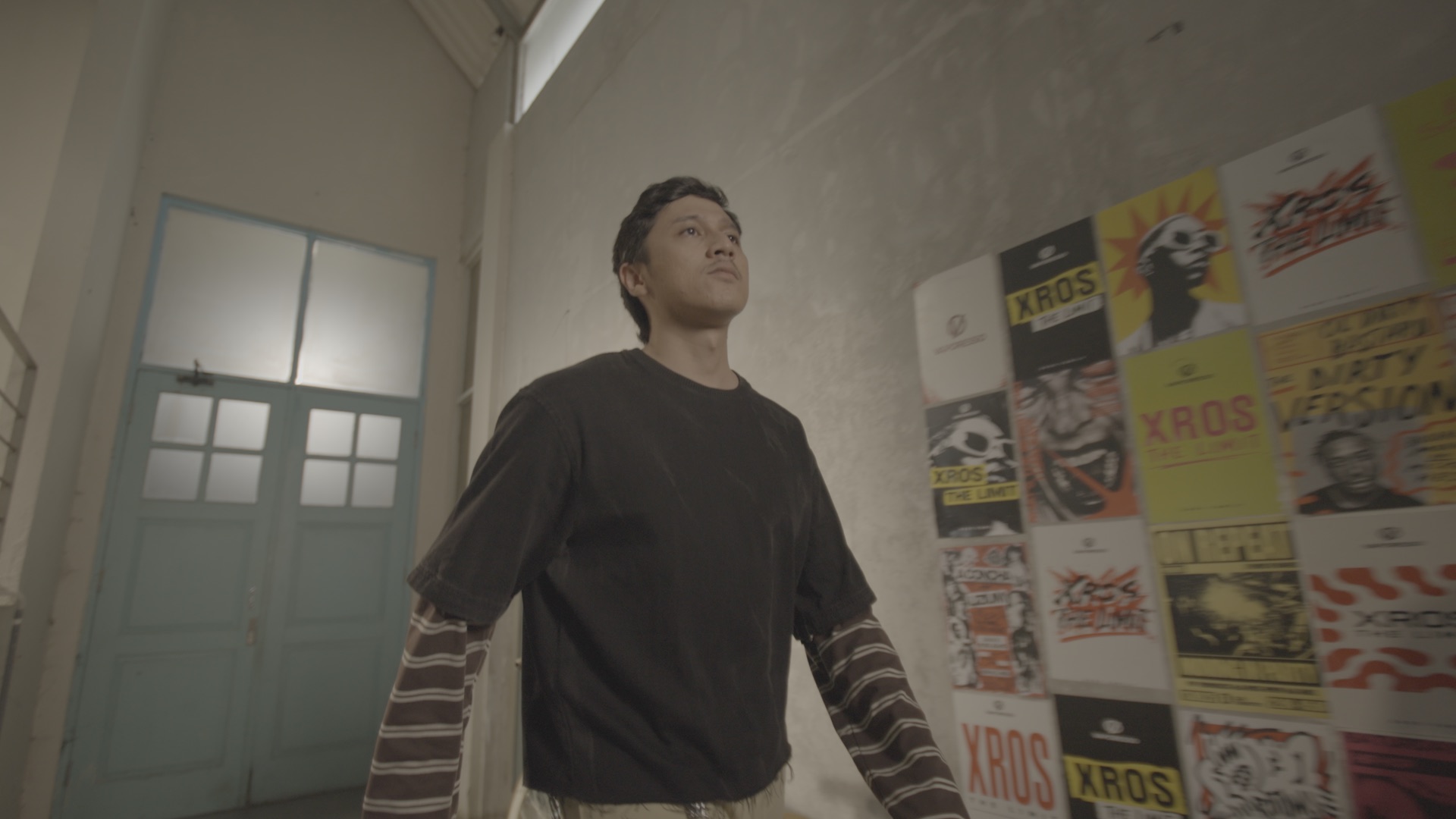
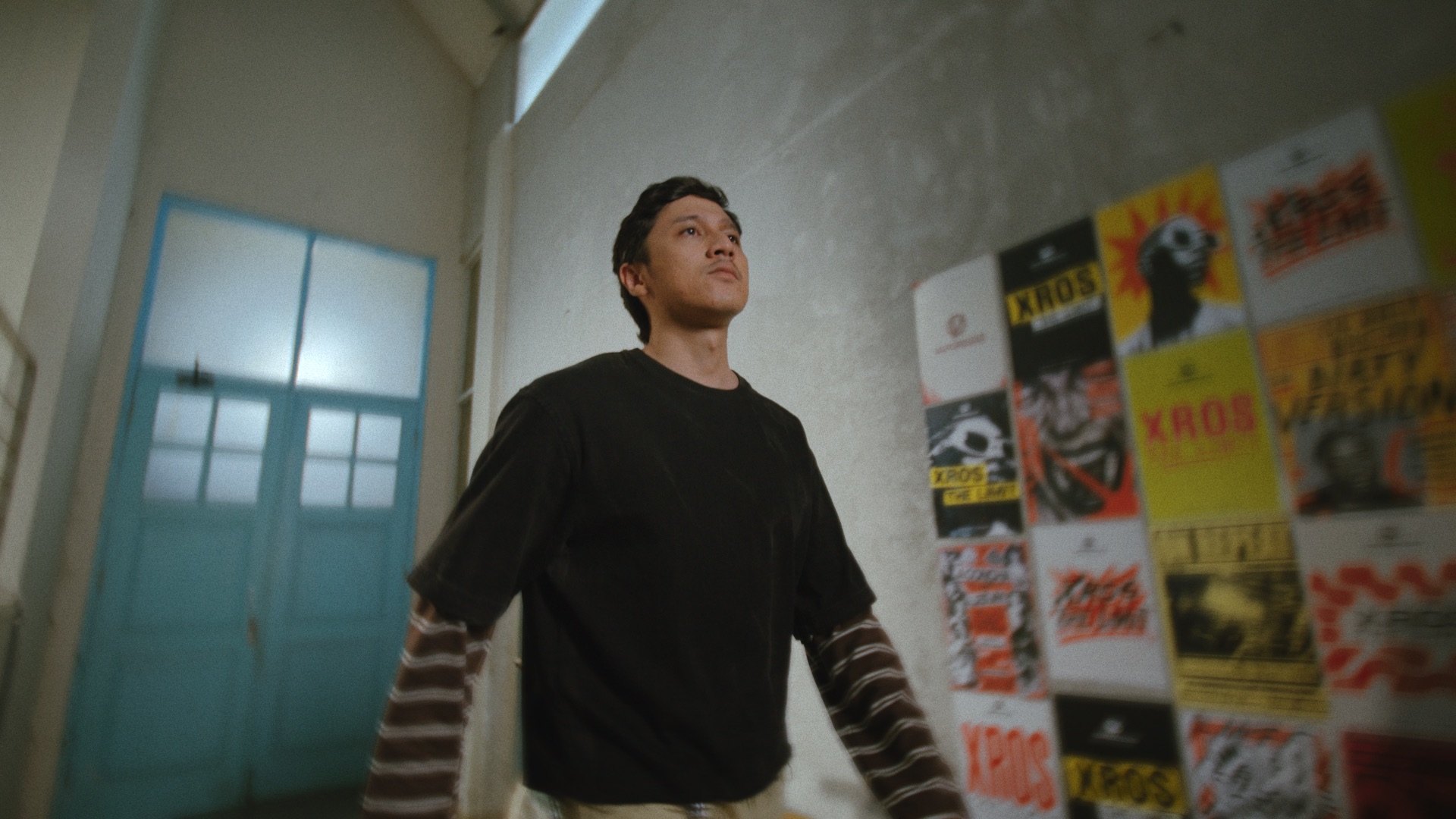
Move the slider to compare the original frame with the Film Look Negative grade.
FILM EMULATION SYSTEM
One master DCTL. A collection of looks inside it.
The product is a single DaVinci Resolve DCTL containing a dropdown of film-inspired looks — not separate files to manage. The exact controls and differentiators will be published once the color team signs off.
- Native DaVinci Resolve DCTL — no LUT clipping
- Multiple looks selectable inside one effect
- Designed for managed color pipelines
- Verified feature list pending product handoff
WORKFLOW
Install once, audition every look.
- 01
Install
- 02
Apply the DCTL
- 03
Choose a Look
- 04
Fine-tune
- 05
Export
Illustrated from the draft workflow — final steps follow the tested installation guide.
COMPATIBILITY
Built for DaVinci Resolve.
- Host
- DaVinci Resolve — edition & minimum version to be confirmed
- Platform
- macOS / Windows / Linux — to be confirmed
- GPU
- Requirements to be confirmed
- Color management
- Input/output transform assumptions to be confirmed
- Formats
- Works where DCTL effects are supported — verification pending
- Performance
- Render impact notes pending product handoff
Nothing here is a promise — entries update once the compatibility matrix is tested and signed off.
Questions
›What is a DCTL?
A DaVinci Color Transform Language script — a native Resolve effect that transforms color inside the color-managed pipeline, rather than a lookup table applied at the end.
›Is it a LUT?
No. A LUT is a fixed input→output table; a DCTL is a program with controls inside Resolve. The same looks may ship as LUTs for other hosts later.
›Does this work in my Resolve version?
The tested version/edition matrix is pending product validation — the compatibility section updates when it is confirmed.
›How do I install it?
A step-by-step guide ships with the product and will be published here once the final installation flow is tested.
›Can I use it in paid client work?
License scope is being finalized with the owner; the terms will be explicit before checkout opens.
›How do updates work?
Update policy is part of the license terms still being confirmed — no lifetime-update promises until then.
›Why does it look different on my footage?
Film looks respond to exposure, white balance and the color space of the source. The documentation covers expected input assumptions and how to match results.
›Can I get help?
Yes — write to ibnurazky@gmail.com and include your order reference if you have one.